uNmINeD 0.20.10-dev
New uNmINeD development snapshot is available for download!
Changes:
- Fixed Bedrock LevelDB parsing errors
- (GUI) Fixed random black isometric tiles
New uNmINeD development snapshot is available for download!
Changes:
New uNmINeD development snapshot is available for download!
Changes:
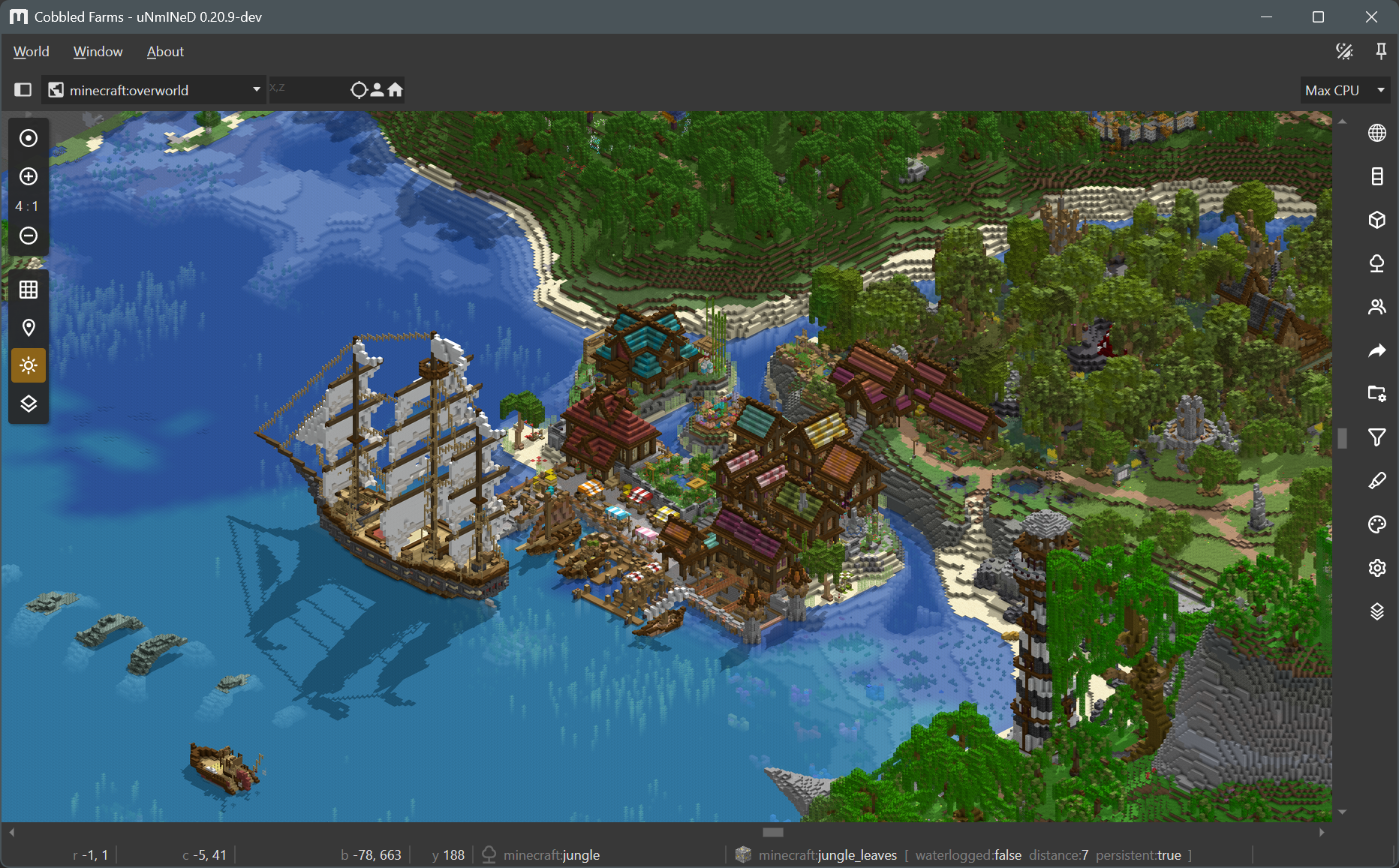
Sunlight shadows in isometric mode:

New uNmINeD development snapshot is available for download!
Changes:
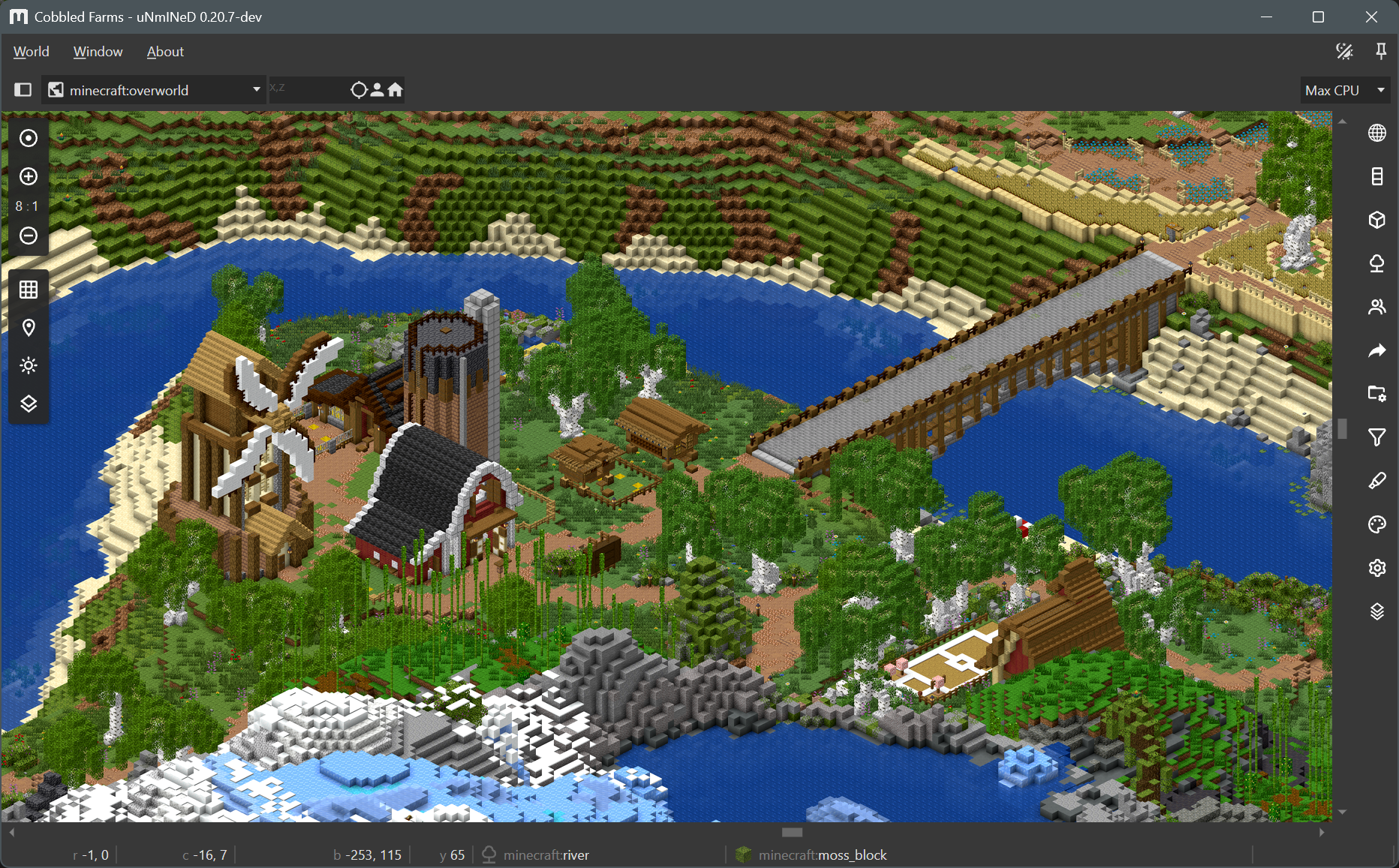
Cabinet projection:

New uNmINeD development snapshot is available for download!
Changes:
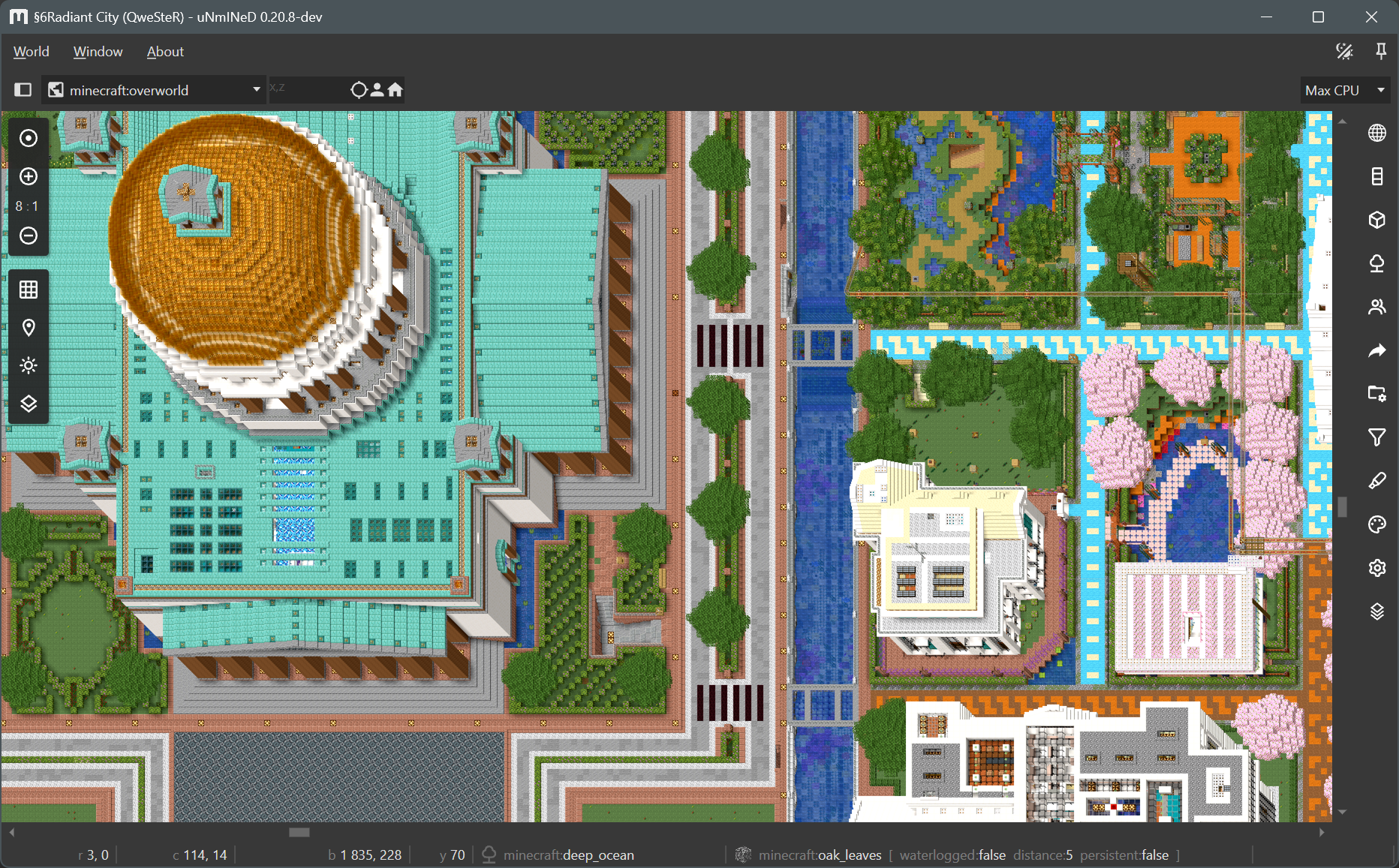
Screenshot:

New uNmINeD development snapshot is available for download!
Changes:
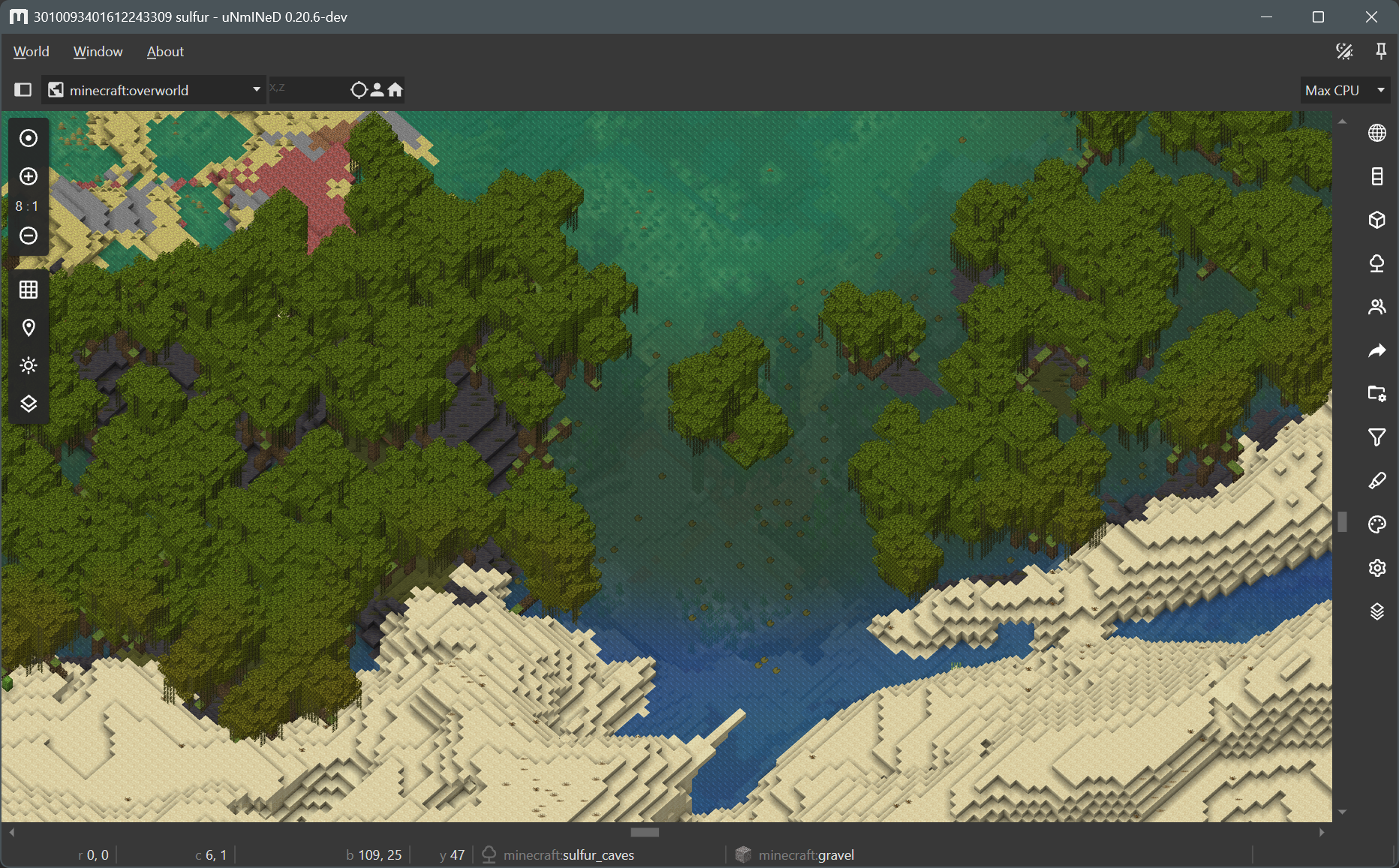
Transparent water and smooth biome borders:


New uNmINeD development snapshot is available for download!
Changes:
New uNmINeD development snapshot is available for download!
Changes:
New uNmINeD development snapshot is available for download!
Changes:
Minecraft Java Edition from version 26.3-snapshot-7 does not store blockstate properties in the world save files when referencing a default blockstate. This caused these blockstates to render incorrectly.
uNmINeD now uses a configuration file config/vanilla.defaultblockstates.java.txt to resolve default vanilla blockstate properties. If it encounters a blockstate reference without properties, it will use the default properties from the configuration file.
The configuration file only contains default blockstate information for vanilla blocks. A mod will be available later that will allow you to generate a blockstate configuration file for modded worlds.
New uNmINeD development snapshot is available for download!
Changes:
webp-format (lossless, lossy), webp-method (0..6) and webp-quality (0..100) command line parameters to web exportThe isometric mode is not yet optimized for speed, and isometric map tiles are not yet cached. Future releases will be faster.

New uNmINeD development snapshot is available for download!
Changes:
--textures=true) experimental feature is no longer availableuNmINeD now can read and use 3D block models from Java Edition client JARs and datapacks, and render them in 2.5D top-down and isometric views.
Bedrock Edition does not have 3D block models available for external tools, so uNmINeD uses Java block models to render Bedrock blocks. You will need a Java client JAR file to make this work. You can download it even if you do not have Java Edition, the original Mojang download links are available on GitHub, scroll right to see the client JARs.
Assigning Java block models to Bedrock blocks is controlled by config/bedrockmapping.json. The content of this file is largely based on information extracted from the Chunker project.
Bedrock fences, stairs, glass panes and other connecting blocks may render incorrectly if you have a version older than 1.26.40, because the required information is not present in the world save files.
🚧This is a preview of a new feature under development.

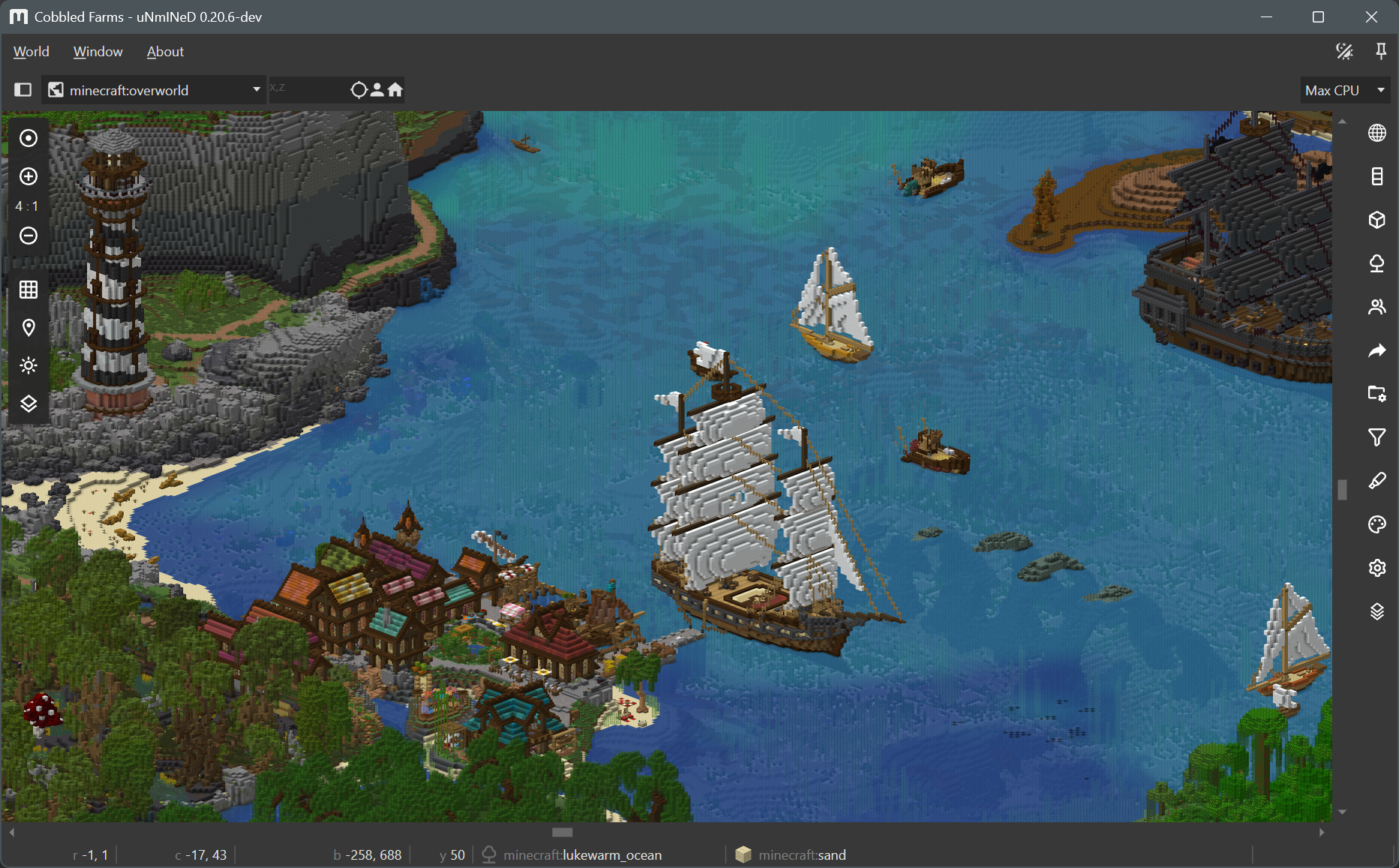
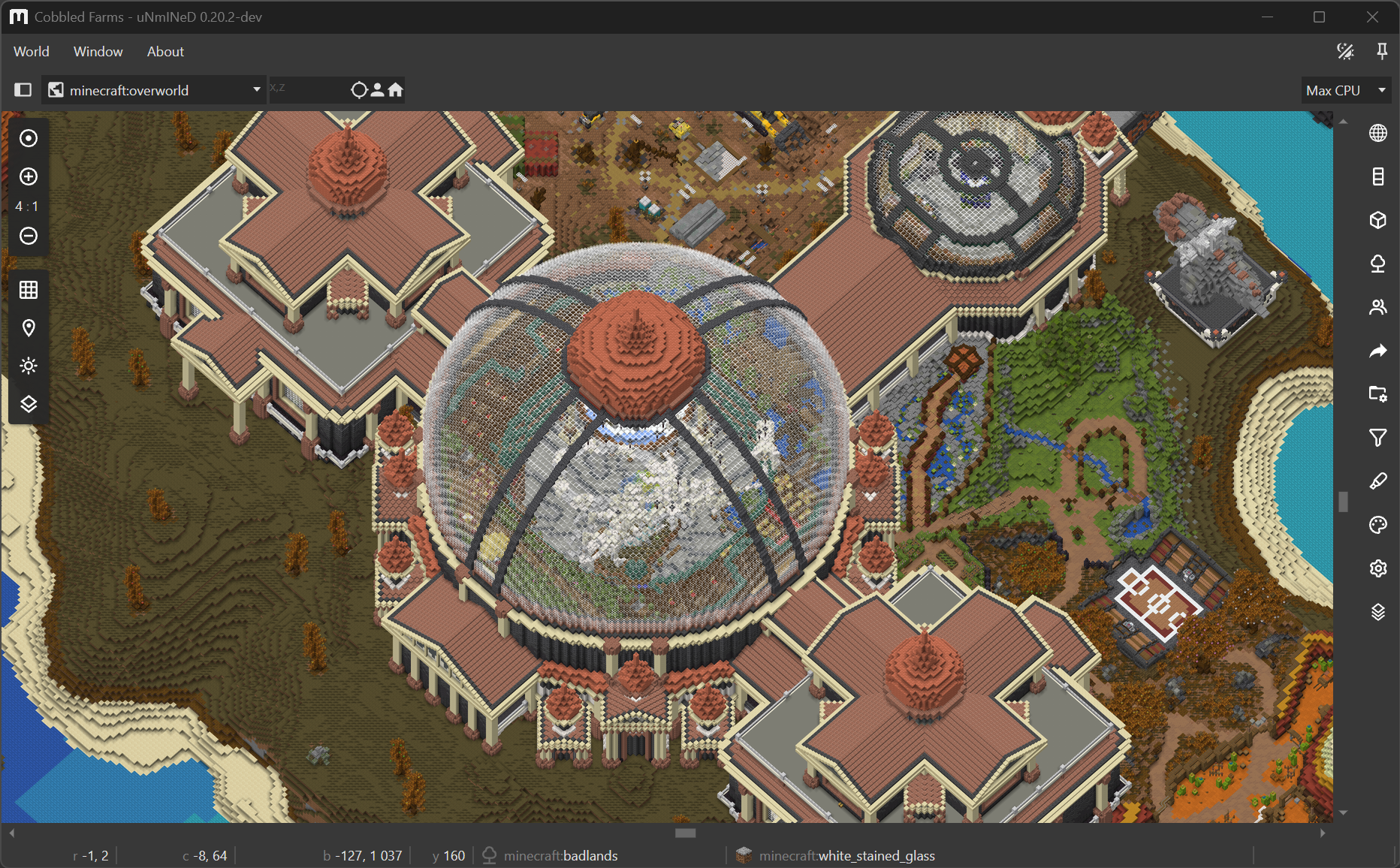
uNmINeD now can render 3D block models to draw blocks instead of using single colors.
Use the --blockrender=true command line parameter to enable block model rendering in the CLI.
🚧This is a preview of a new feature under development.

uNmINeD now can render an “isometric” (axonometric) 3D map.
Block model rendering is a new feature under development. There are a lot of bugs, glitches and unfinished stuff. The code is not yet optimized for speed, upcoming releases will be faster.
Some of the most visible known problems: