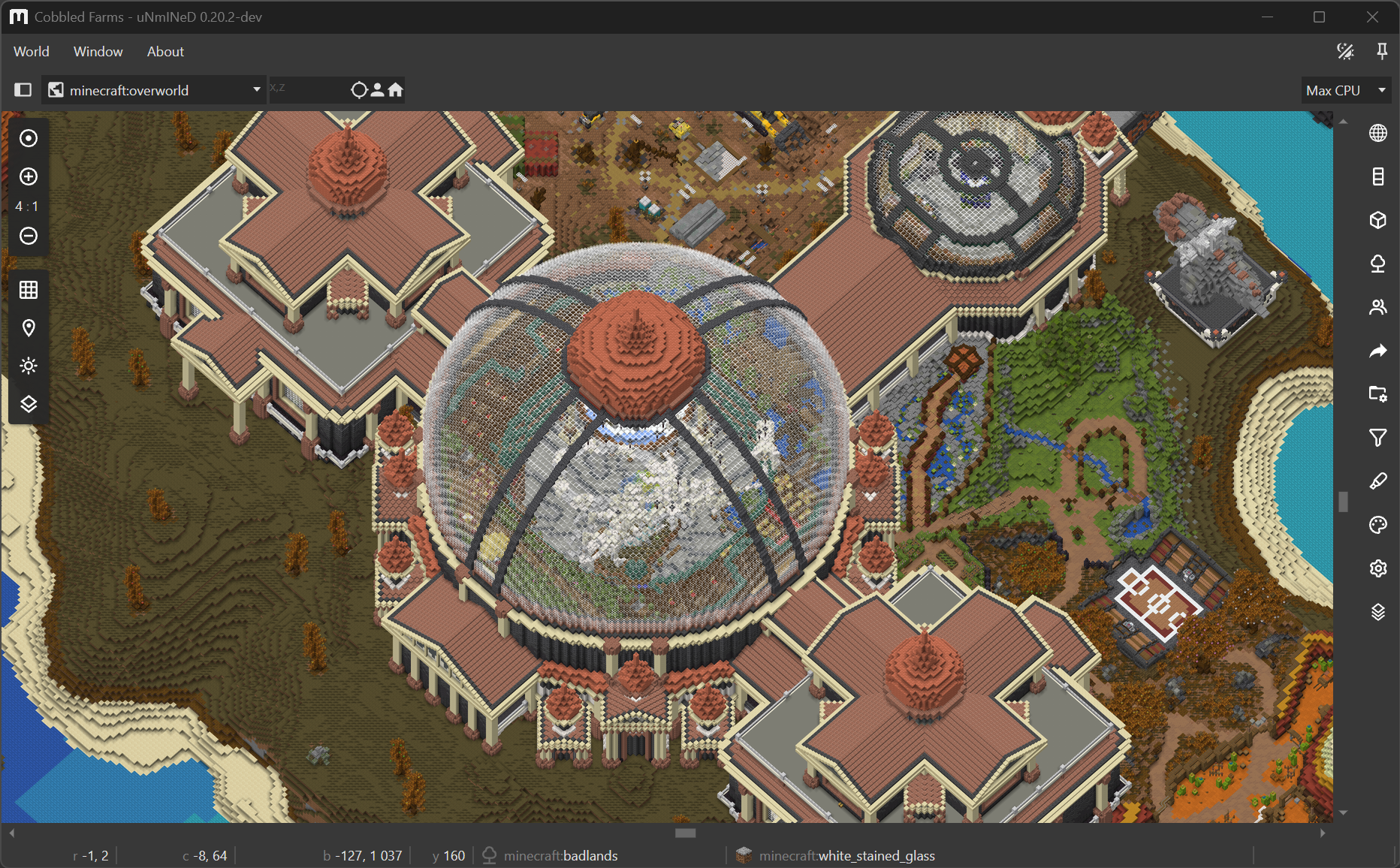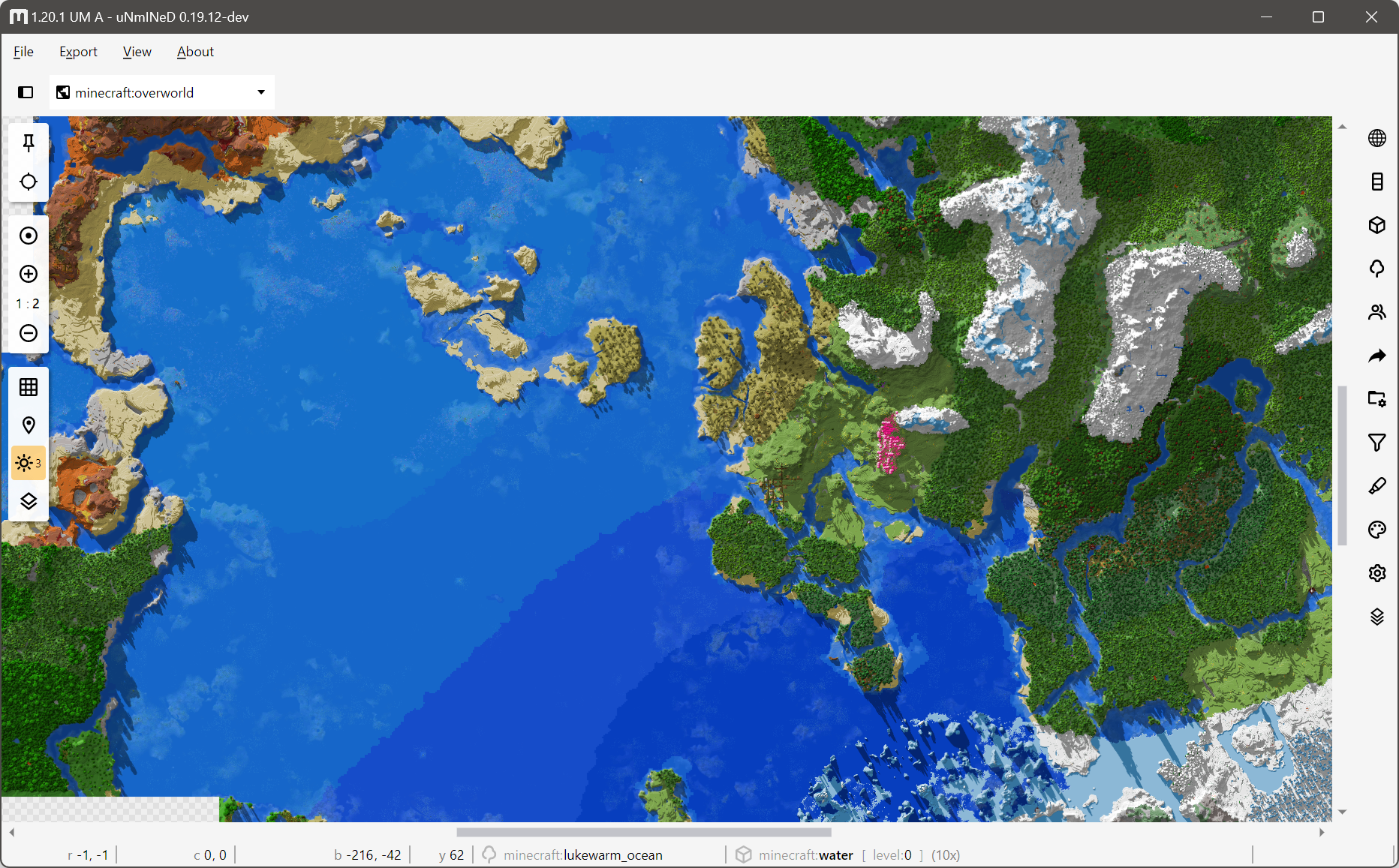
uNmINeD 0.20.11-dev
New uNmINeD development snapshot is available for download!
Changes:
- Fixed lossy WebP transparent background
- Missing Bedrock LevelDB *.ldb files are ignored instead of throwing an error
- Added LibDeflate for linux-musl (Alpine) builds for speed
- Improved Bedrock to Java block conversion speed
- 2D rendering speed optimizations
- Improved 26.3+ default blockstate resolving speed
- (Isometric) Added 14° pitch angle
- (Isometric) Redesigned block model processing, caching and rendering pipeline
- (Isometric) Huge drop in memory usage
- (Isometric) Improved speed
- (Isometric) Improved CPU utilization
- (Isometric) Fixed crashes when using image adjustments
Notes:
- Isometric image and web export is not yet available
- Documentation and howto’s for isometric mode are coming soon
Setting up isometric mode:
- Isometric mode and the experimental block model rendering needs a Java Edition client JAR file for both Java and Bedrock worlds. Select one in World/App settings menu (“Default Minecraft client JAR to use” setting). If you do not have a Java Edition client installed, you can download a client JAR file from the Minecraft Wiki.
- For Bedrock, select a vanilla resource pack ZIP file in World/App settings. You can download one from GitHub: click on Assets, then download the bedrock-samples-*-full.zip file. Versions does not have to match exactly, using the latest resource pack usually works.
uNmINeD 0.20.10-dev
New uNmINeD development snapshot is available for download!
Changes:
- Fixed Bedrock LevelDB parsing errors
- (GUI) Fixed random black isometric tiles
uNmINeD 0.20.9-dev
New uNmINeD development snapshot is available for download!
Changes:
- Fixed 3-digit #rgb color parsing
- Fixed background color handling in web export
- Fixed Go to spawn and Go to player buttons for JE 26.x
- (GUI) Fixed broken highlighter GUI
- (GUI) Improved sun direction selector
- (Isometric) Speed (~2x) and memory optimizations
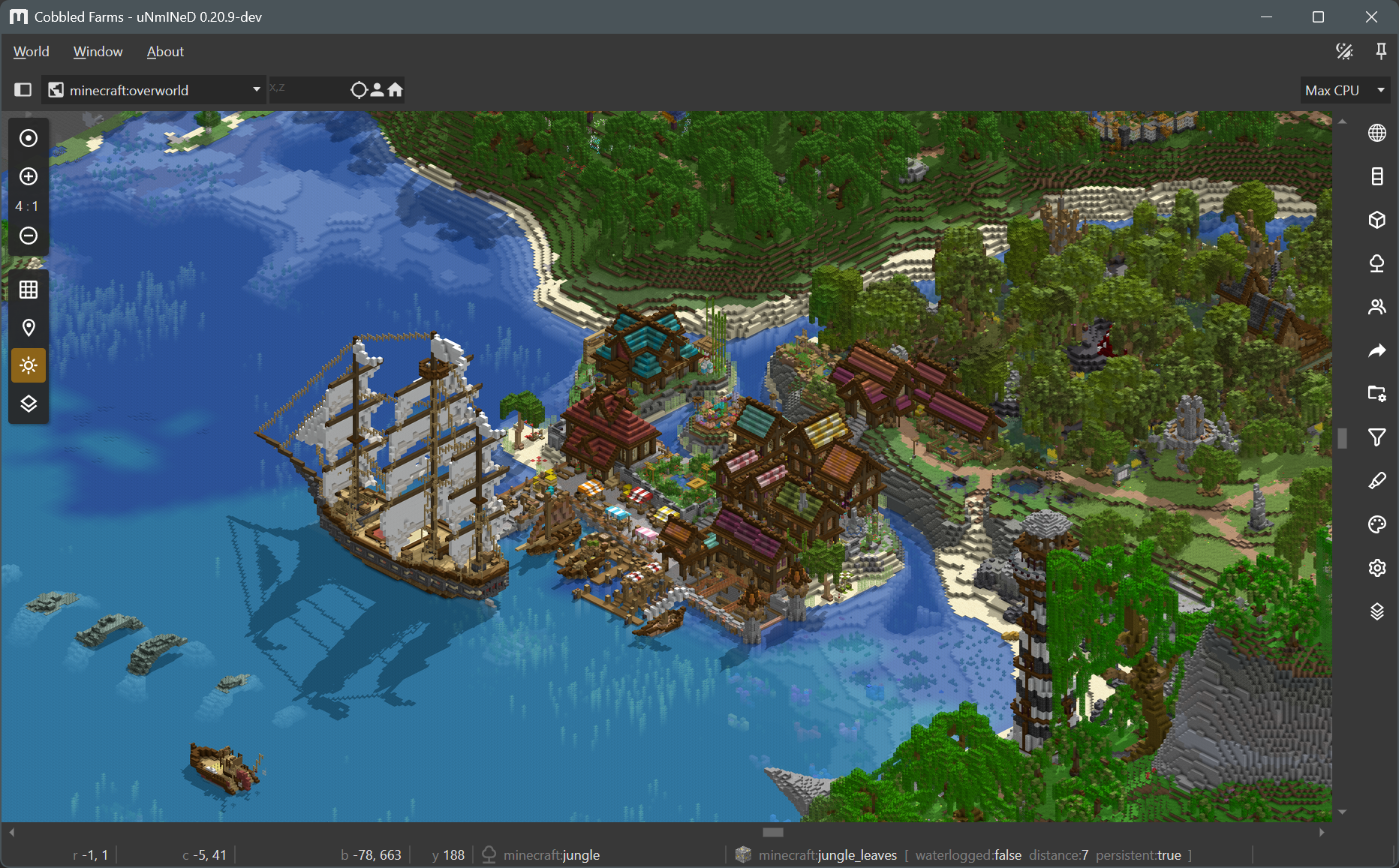
- (Isometric) Added sunlight shadow casting
- (Isometric) Added top edge lightening
- (Isometric) Added block variant randomization
- (Isometric) Added high precision alpha blending
- (Isometric) Added a lot of settings
- (Isometric) Improved water rendering quality
- (Isometric) Fixed zoom positioning
- (GUI) Updated ReactiveUI to 24.x
- Rolled back to .NET 10.x
Sunlight shadows in isometric mode:
uNmINeD 0.20.8-dev
New uNmINeD development snapshot is available for download!
Changes:
- Fixed support for Bedrock worlds with missing LevelDB log file
- Added support for Bedrock sections without biome information
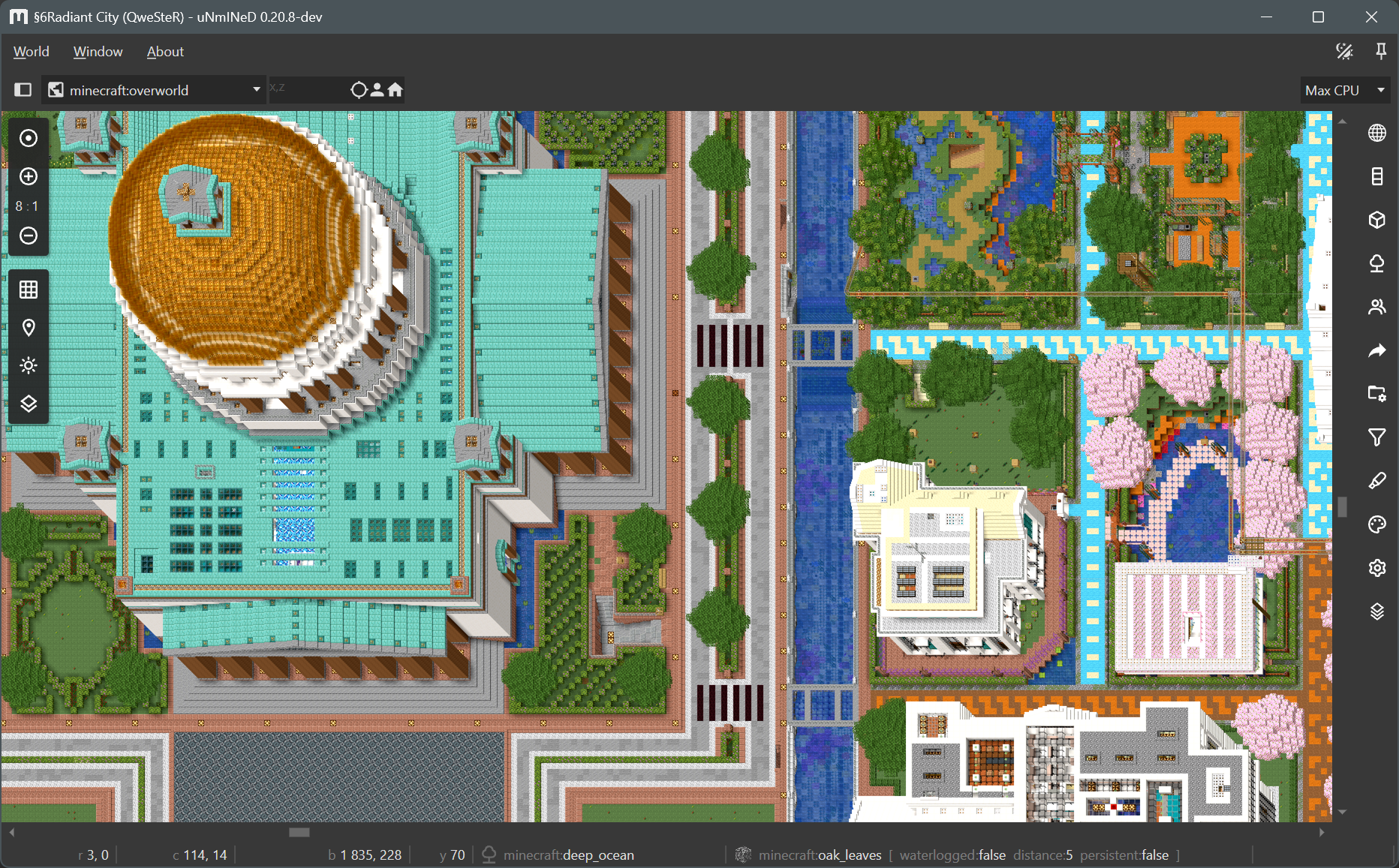
- (Isometric) Added horizontal and vertical north directions (using cabinet projection)
- (Isometric) Speed and memory optimizations
- (Isometric) Fixed broken north direction buttons (broken in 0.20.7)
Cabinet projection:
uNmINeD 0.20.7-dev
New uNmINeD development snapshot is available for download!
Changes:
- (Isometric) Moved isometric settings to a separate tab
- (Isometric) Added gamma and contrast settings (brighter and more vibrant images)
- (Isometric) Added water transparency and depth fading settings
- (Isometric) Biome blending is now ON by default
- (Isometric) Fixed rendering queue cancellation
- (Isometric) Fixed high IO pressure during rendering
- (Isometric) Rendering speed optimizations
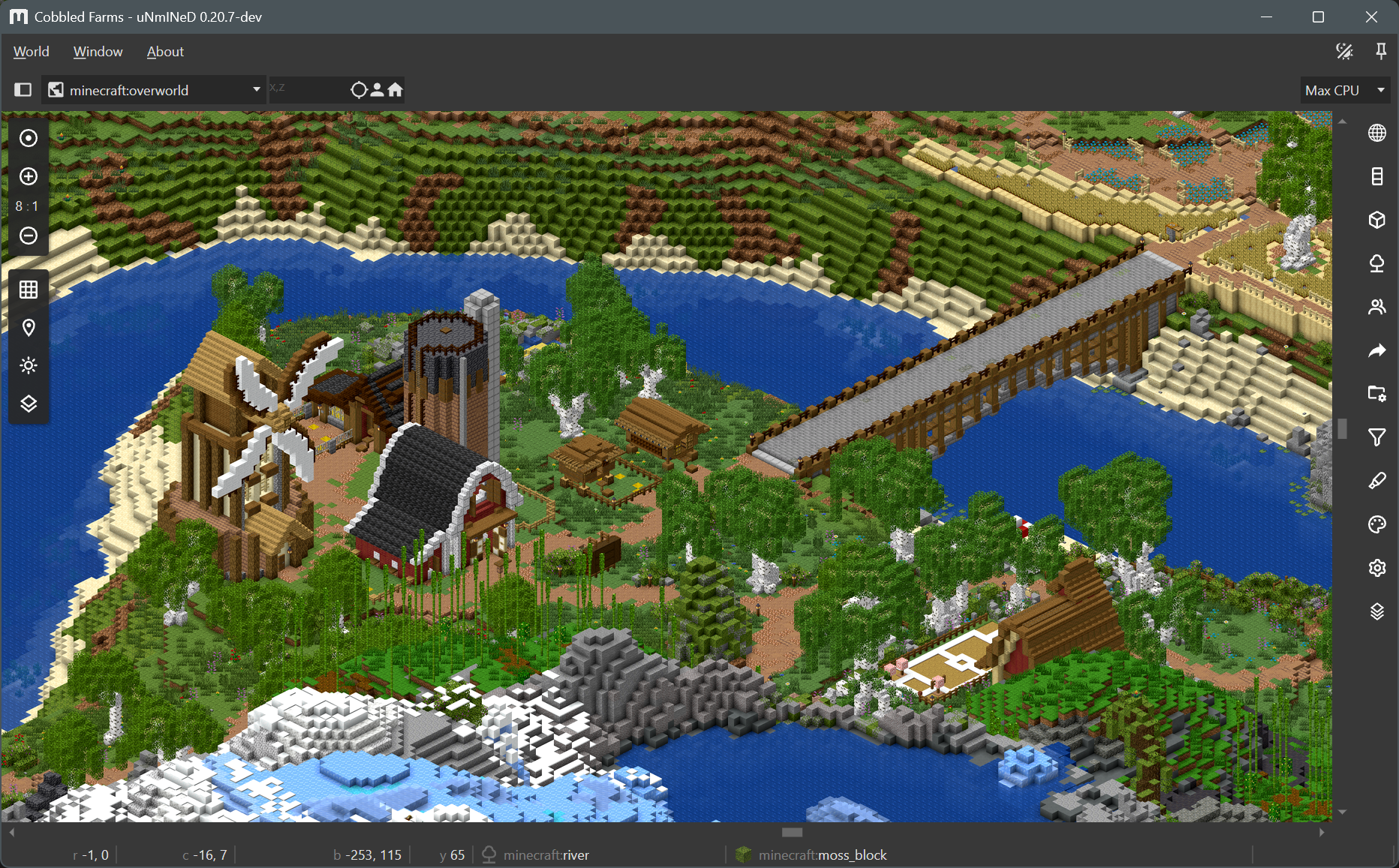
Screenshot:
uNmINeD 0.20.6-dev
New uNmINeD development snapshot is available for download!
Changes:
- Improved Java Edition datapack error handling and logging
- (Isometric) Speed optimizations
- (Isometric) Ambient occlusion shading now works at chunk borders
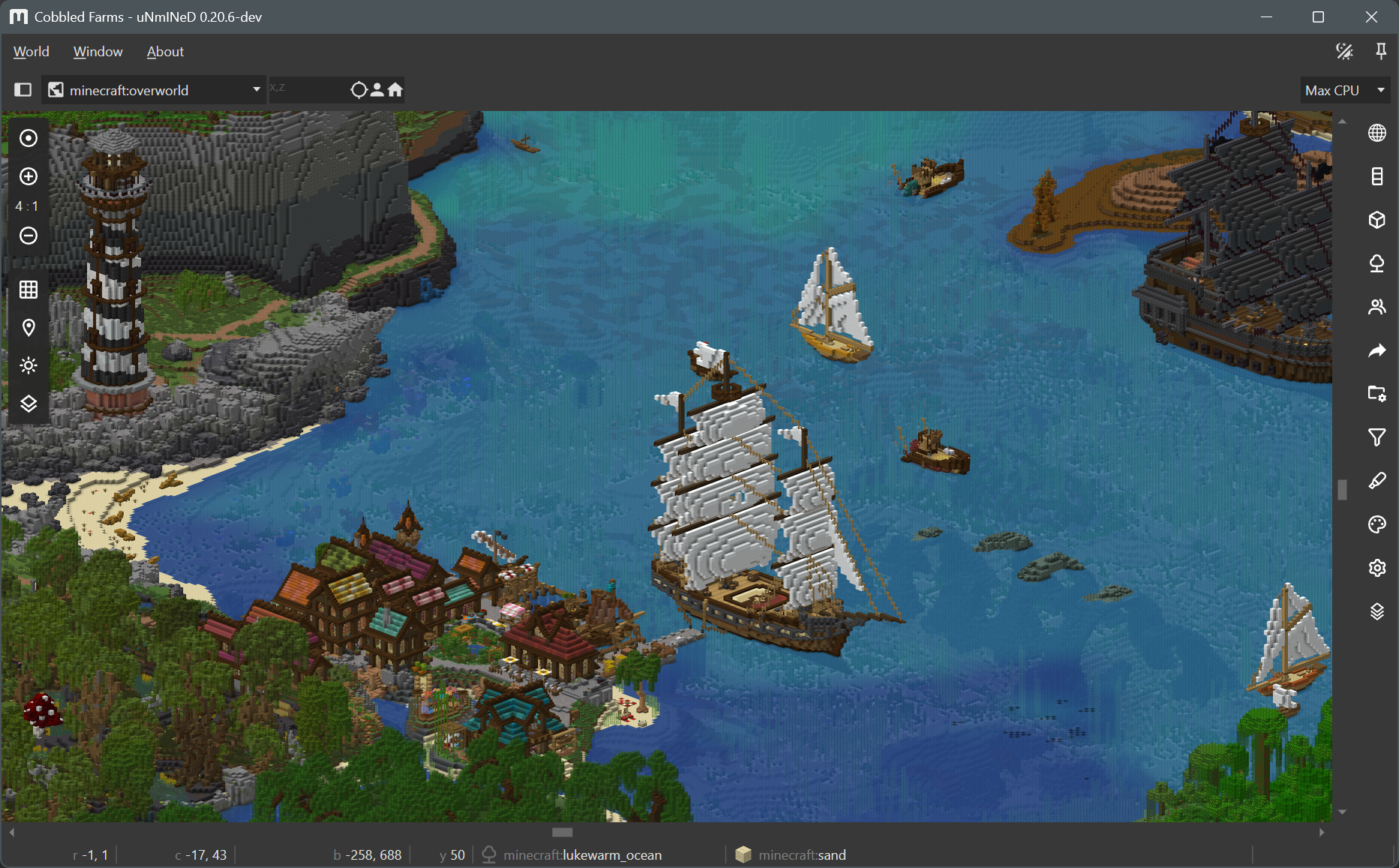
- (Isometric) Added water transparency
- (Isometric) Added support for waterlogged blocks
- (Isometric) Added support for transparent textures
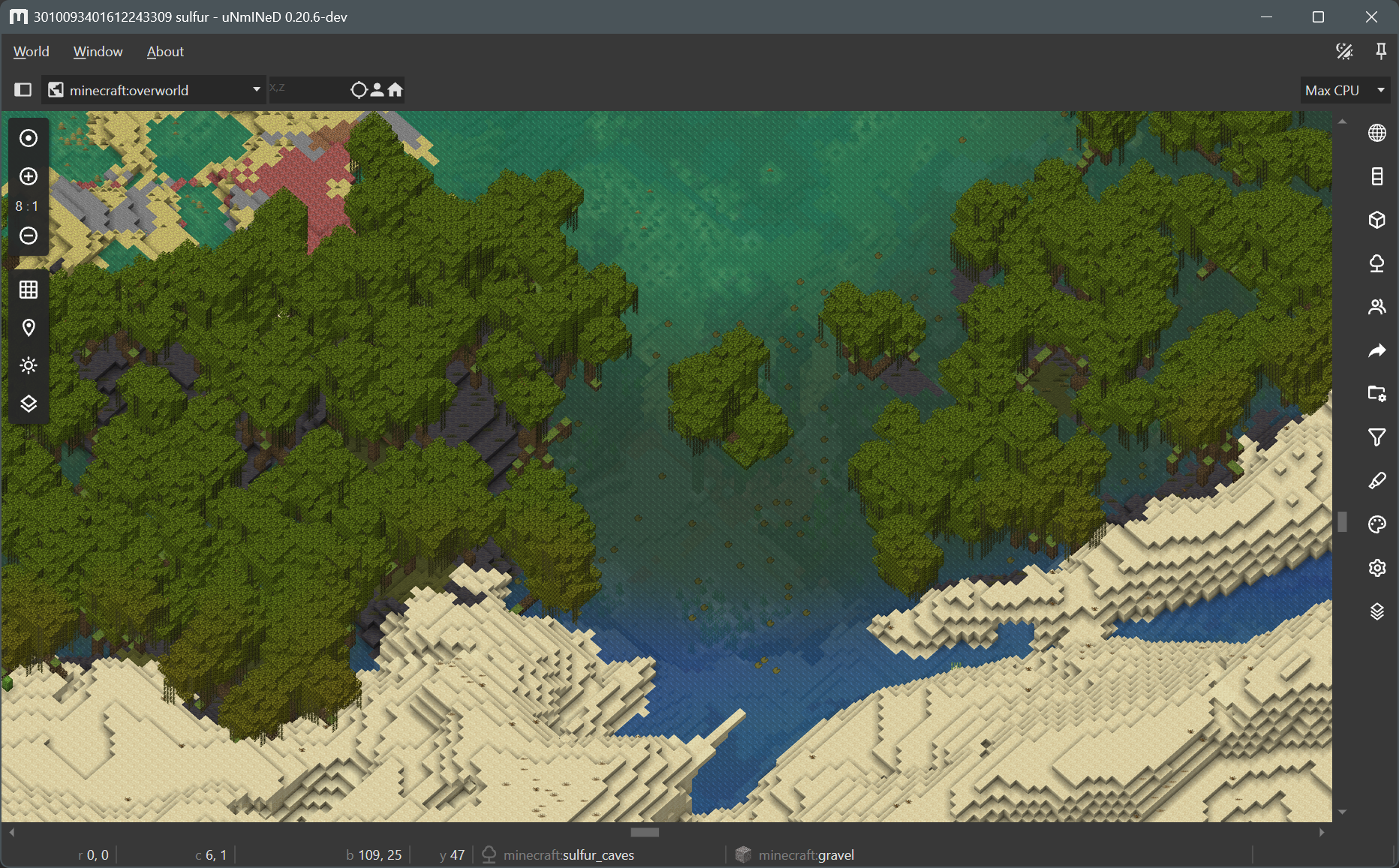
- (Isometric) Added biome tint blending
Transparent water and smooth biome borders:
uNmINeD 0.20.5-dev
New uNmINeD development snapshot is available for download!
Changes:
- Right click menu items now work in isometric mode
- Fixed isometric block rotation mismatches (mushroom blocks, logs)
- Fixed isometric tile rendering failures (broken in 0.20.4)
- Fixed isometric tile pixel alignment glitches (sometimes there was an one pixel gap between tiles)
uNmINeD 0.20.4-dev
New uNmINeD development snapshot is available for download!
Changes:
- Optimizations for isometric mode (more speed, reduced memory usage)
- Isometric mode is now available from zoom 1:1 to 16:1
- Fixed KeyNotFoundException when rendering zoom-out tiles for web
uNmINeD 0.20.3-dev
New uNmINeD development snapshot is available for download!
Changes:
- Bedrock LevelDB log file reader optimizations (speedup for worlds with large log files)
- Isometric mode optimizations (huge speedup, less memory usage)
- Isometric mode now uses the block filter settings
- Added support for Java Edition default blockstates (from 26.3-snapshot-7)
- Upgraded to .NET 11 (preview.7)
Default blockstates
Minecraft Java Edition from version 26.3-snapshot-7 does not store blockstate properties in the world save files when referencing a default blockstate. This caused these blockstates to render incorrectly.
uNmINeD now uses a configuration file config/vanilla.defaultblockstates.java.txt to resolve default vanilla blockstate properties. If it encounters a blockstate reference without properties, it will use the default properties from the configuration file.
The configuration file only contains default blockstate information for vanilla blocks. A mod will be available later that will allow you to generate a blockstate configuration file for modded worlds.
uNmINeD 0.20.2-dev
New uNmINeD development snapshot is available for download!
Changes:
- (GUI) Added two additional zoom levels to isometric mode, now it works from 4:1 to 16:1
- (CLI) Added
webp-format(lossless, lossy),webp-method(0..6) andwebp-quality(0..100) command line parameters to web export - Fixed default webp format, now it’s lossless instead of lossy
- Fixed sulfur caves, dappled forest and nether colors/tints
- Fixed Java local player GUID parsing
- Fixed water block levels in isometric mode
The isometric mode is not yet optimized for speed, and isometric map tiles are not yet cached. Future releases will be faster.