New uNmINeD development snapshot is available for download!
Changes:
- (Minecraft) Reworked datapack and mod handling
- (Minecraft) Textures now can be used with Bedrock worlds (experimental)
- (Minecraft) Colors for custom/modded blocks now can be calculated automatically from textures
- (CLI) Textures now can be used with the CLI
Automatic colors for custom blocks
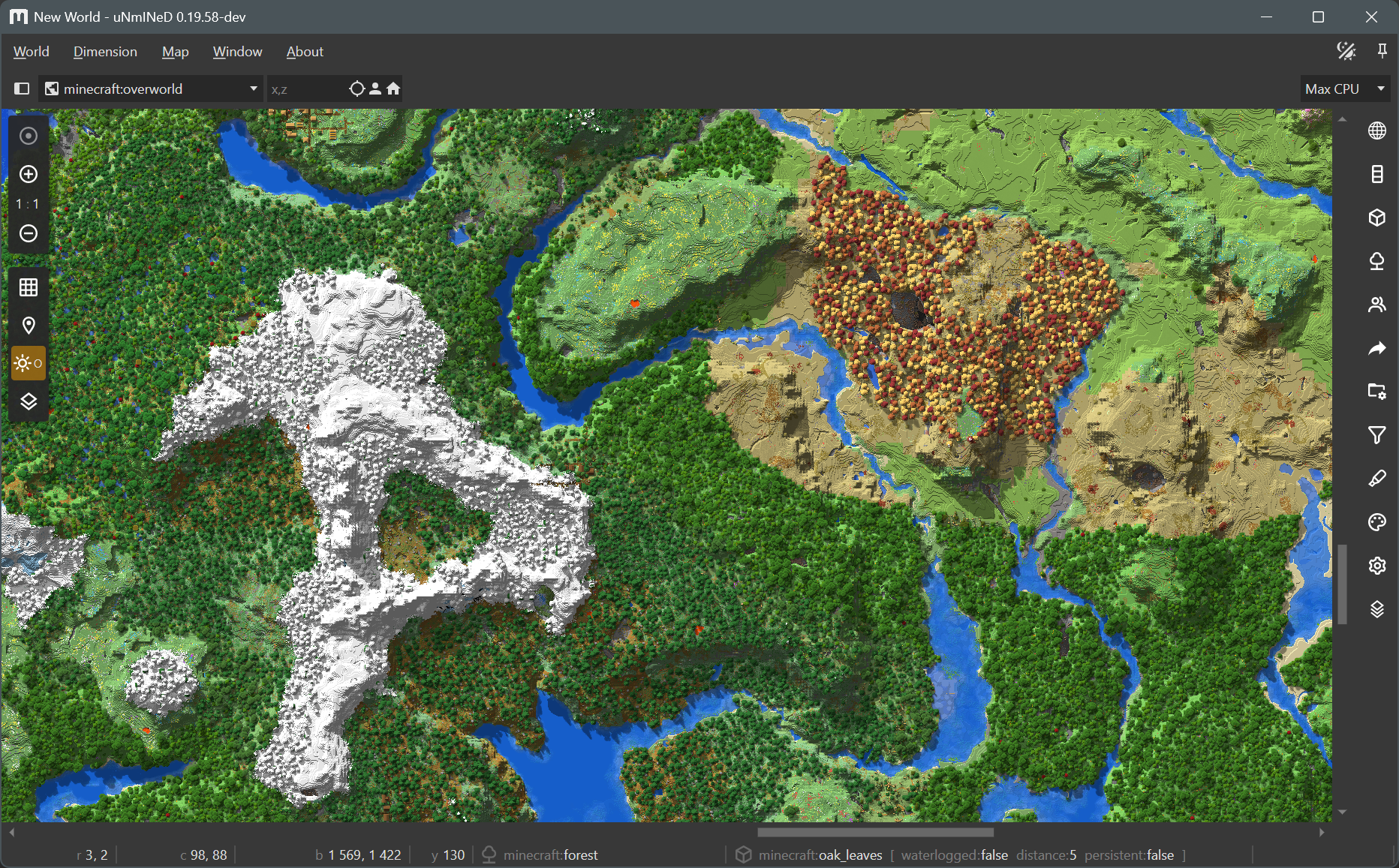
uNmINeD now can read biome and block metadata from datapacks/mods and behavior/resource packs, and it calculates map colors for custom blocks automatically by averaging their textures instead of displaying them as pink.
Textured rendering
By default, uNmINeD displays each block as a square filled with a single color. When textured rendering is enabled, it still does not render blocks in 3D, instead it fills the squares with an image (the in-game texture of a block) rather than a solid color.
Textured rendering can be enabled on the render settings side panel (the tab with a cog wheel icon). It works for zoom-in levels 4:1 or higher. It works well with cube-like blocks, but fences, walls and other blocks with a complex 3D model look off. Upcoming releases will be able to render fences and walls correctly, and images to be used for complex blocks will be customizable.
Usage with Java Edition
Using textures or datapacks/mods with Java Edition worlds requires a Minecraft client JAR file. If you have Minecraft installed, uNmINeD will automatically find your client JAR file, otherwise you have to copy it from another machine, and select it in uNmINeD’s app settings.
Usage with Bedrock Edition
Using textures or behavior packs with Bedrock Edition worlds requires a vanilla resource pack. You can download it from Mojang: https://github.com/Mojang/bedrock-samples/releases. Find your version (or use the latest), click on Assets, and download the full package named bedrock-samples-xxxxx-full.zip (or the source code zip package, either one is good), then select the downloaded file in uNmINeD’s app settings.
CLI usage
Use --java-client-jar=/path/to/1.21.11.jar to select your Minecraft client JAR.
Use --bedrock-vanilla-pack=/path/to/bedrock-samples-v1.26.0.2-full.zip to select your vanilla resource pack.
Use --textures=true for textured rendering (effective at zoom-in levels 4:1 or higher).
Selecting a client JAR or a vanilla resource pack is required for all datapack related functions, including automatic color calculation for custom blocks and textured rendering.
Screenshots
Oh The Biomes We’ve Gone:
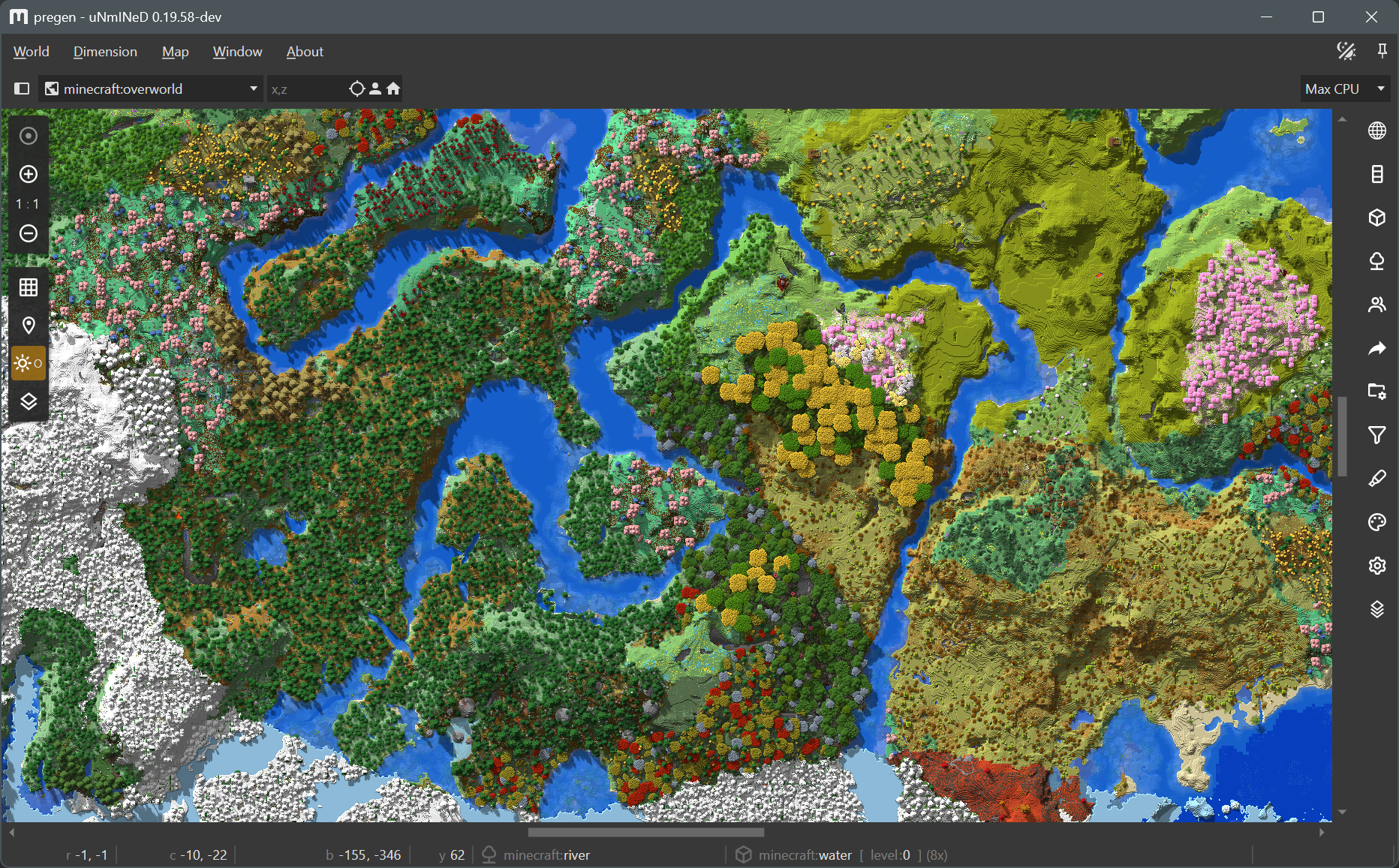
Biomes O’Plenty:
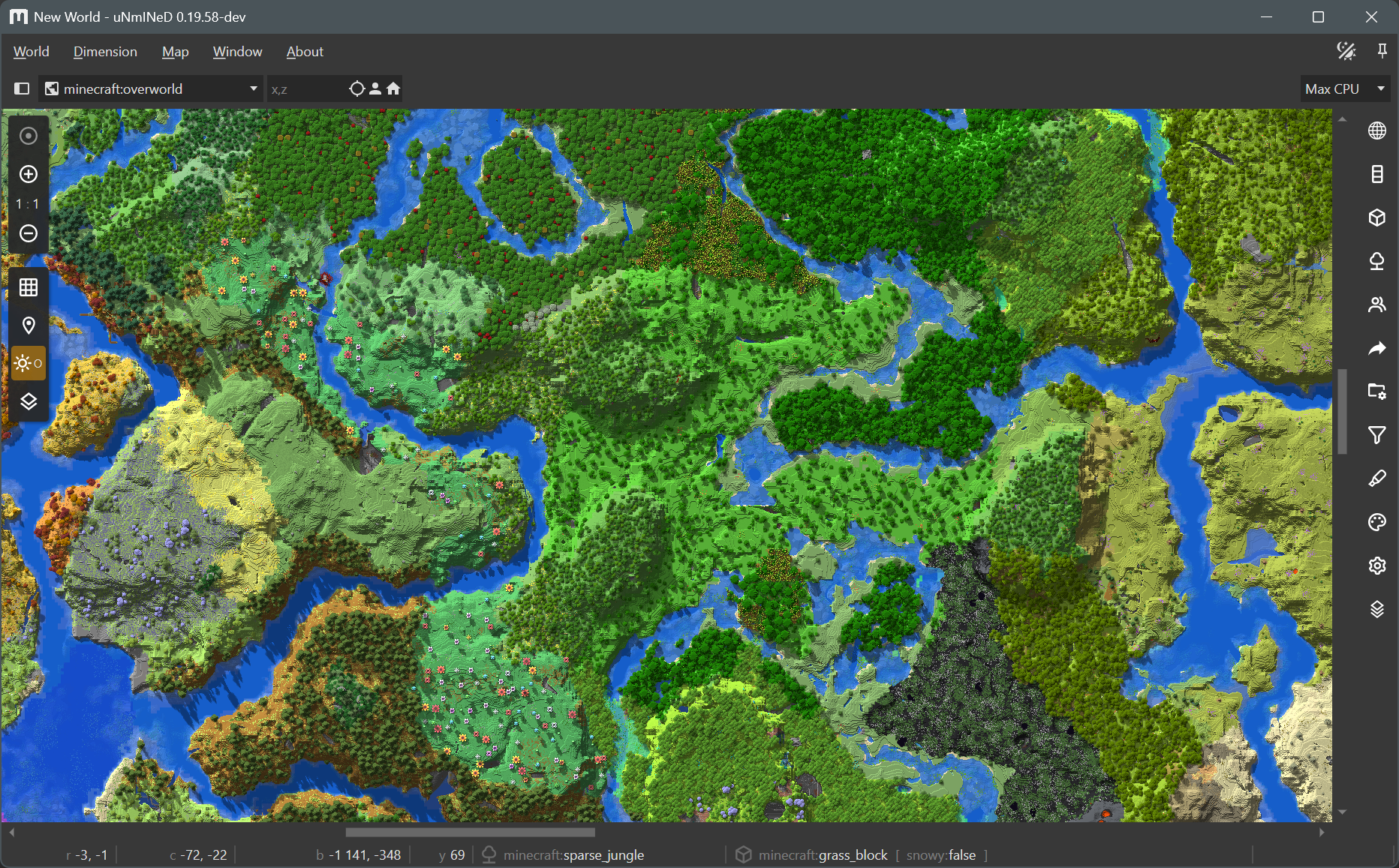
Regions Unexplored:
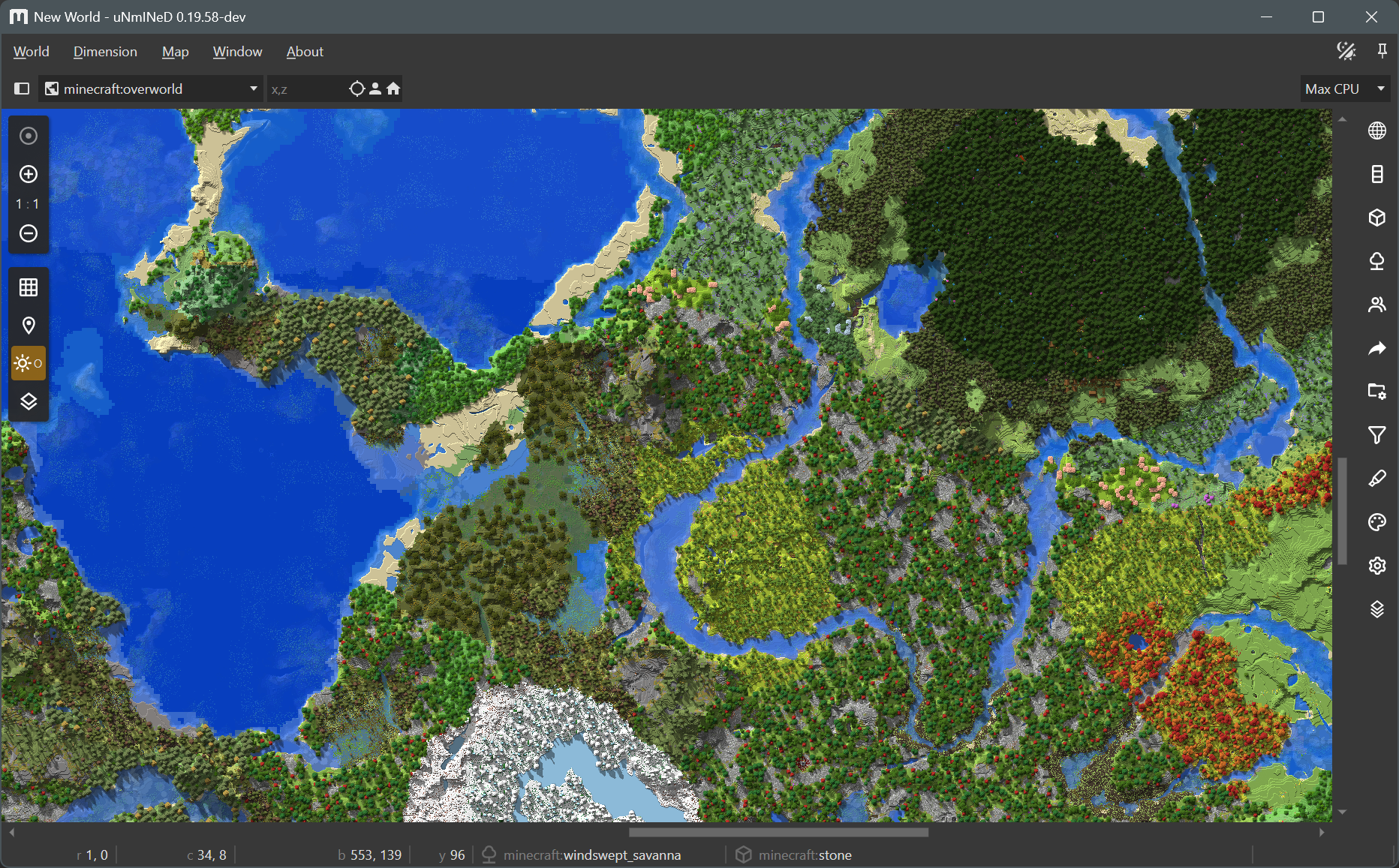
Terralith:
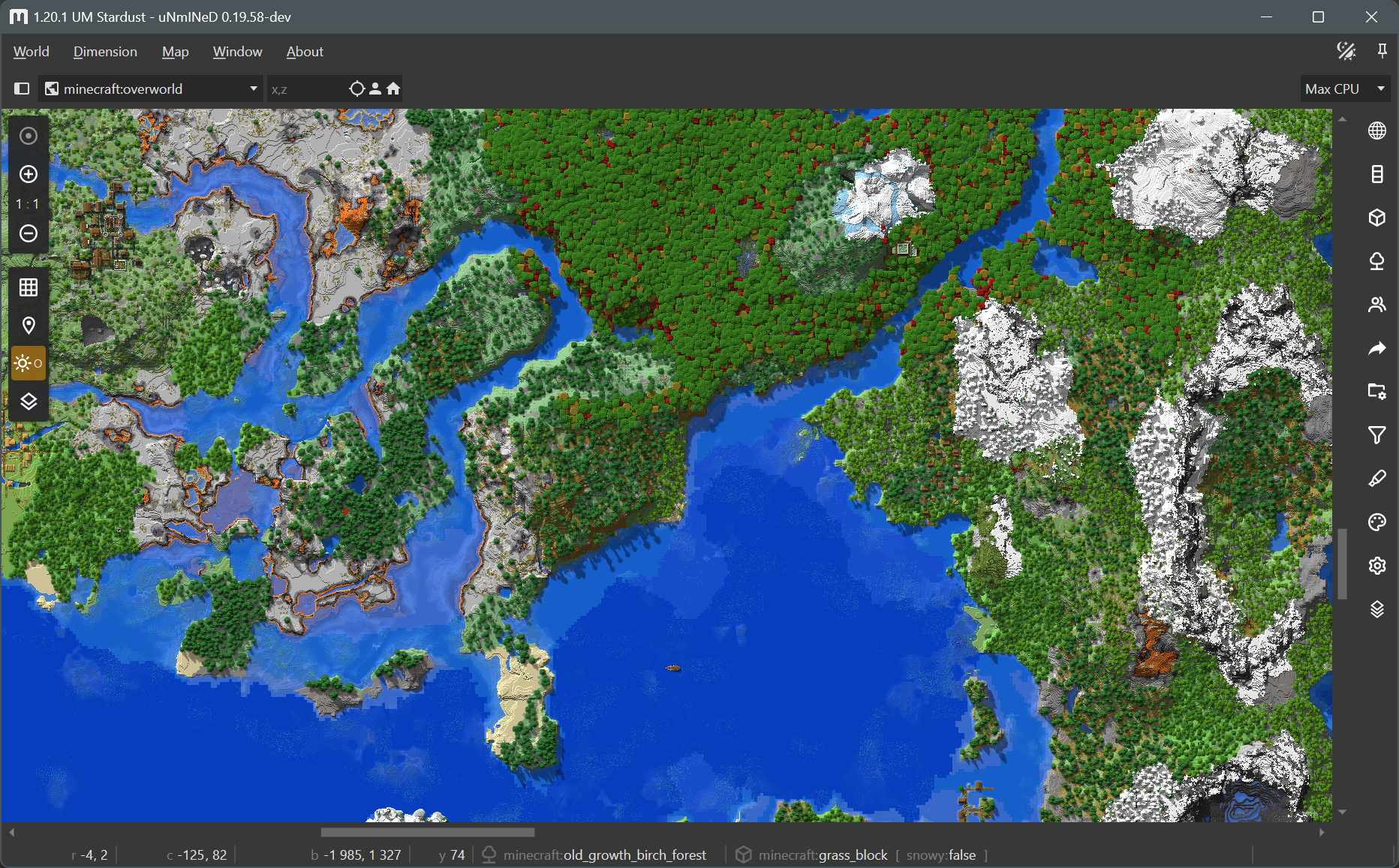
Wilder Wild: