
New uNmINeD development snapshot is available for download!
Changes:
- Fixed support for Bedrock worlds with missing LevelDB log file
- Added support for Bedrock sections without biome information
- (Isometric) Added horizontal and vertical north directions (using cabinet projection)
- (Isometric) Speed and memory optimizations
- (Isometric) Fixed broken north direction buttons (broken in 0.20.7)
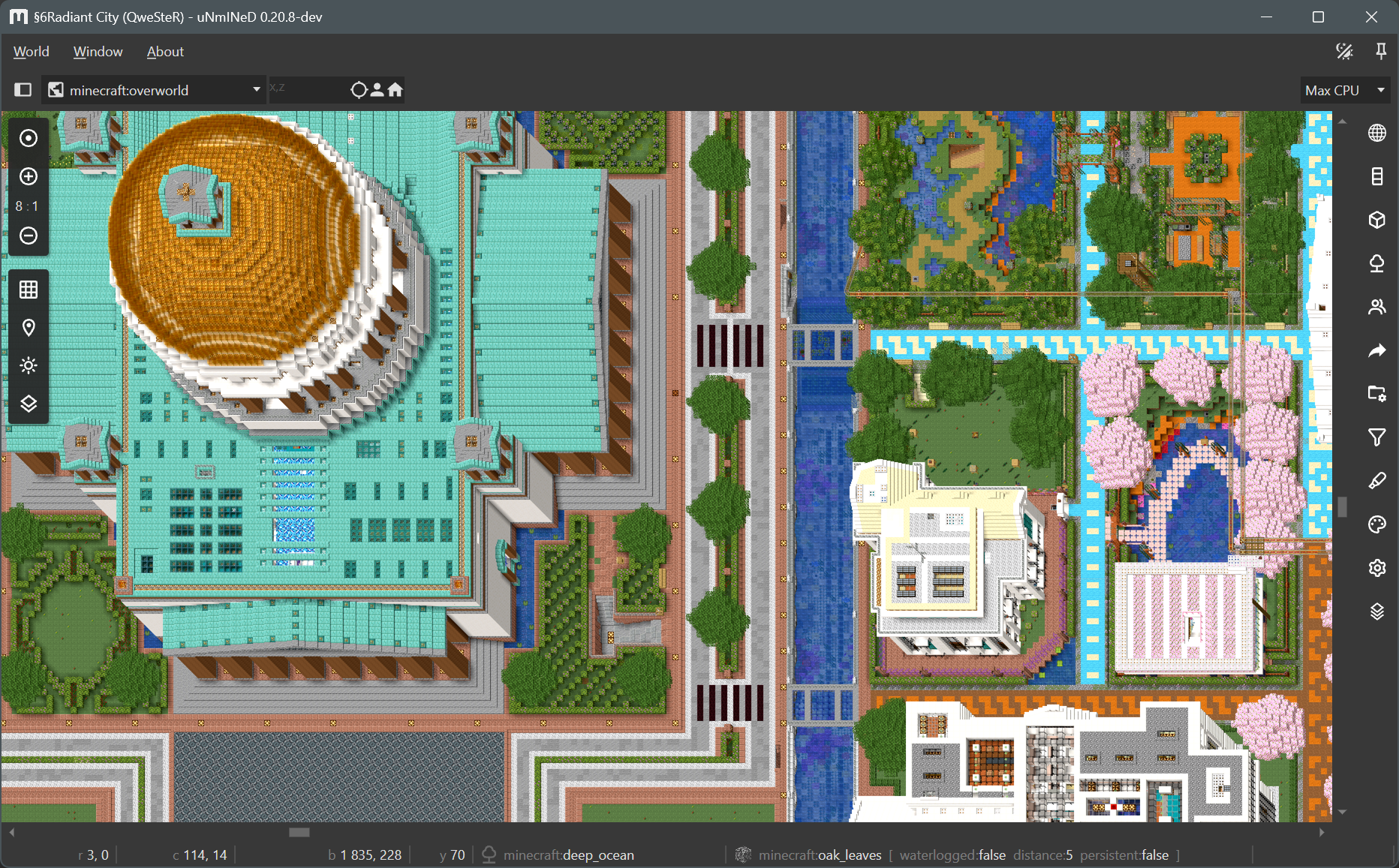
Cabinet projection:
What am I doing wrong? I cannot get the Isometric view to display at all no matter what zoom level or settings I use?
Java or Bedrock?
Java
Is it possible to get the Isometric view at all zooms?
It is not possible using the current release.
The “Go to Player” and “Go to Spawn” buttons do not work (Java edition, Linux/Windows)
Just updated from 0.19.? to this version, and several Java Edition modded blocks no longer render with textures (Fabric 1.20.1, Linux build). I have made sure to set MC install path and client JAR at `/home/user/symbolic_link_to_mcfolder/.fabric/remappedJars/minecraft-1.20.1-0.19.3/client-intermediary.jar` in app settings.
What mod? Which blocks? One or two examples are enough to help me look into the problem.
Create (Fabric)’s crimsite and all other rock variants including cut forms; Hybrid Aquatic’s floating_sargassum (atop oceans), white_sand and white_sandstone from red_meadow biome; however leaves like aspen from Let’s Do Blooming Nature or Traverse autumn tree leaves show up as plain vanilla green (they had appropriate colors in prev version)
– Traverse autumn leaves
– Hybrid Aquatic white_sand, white_sandstone and floating_sargassum
– Let’s Do Blooming Nature aspen leaves
– Create (Fabric) crimsite (including cut, polished, bricks, stairs)
These all work for me.
Do you see any error messages in Word/Log?
Only one irrelevant warning (that disappears when mod is disabled, no changes to missing textures). Also tried the non-Fabric remapped Minecraft JAR, client JAR and modlist from a different instance, and on a separate installation on a different machine. and with a different world.
I should note I use PrismLauncher, Logs: https://pastebin.com/X9WUDTZ5
…forgot to select “Calculate modded block colors from textures”, now everything works. Turns out it was a “Brazilian BIOS error” problem, apologies lol and thank you for your patience. Mystery solved
yay \o/
Is there a way to obtain an older version such as 0.19.4 for the sake of downgrading? Current version seems to have also bricked my web map export mid-generation (but it might not be a bug), and I’d love to be able to regenerate it.
Upgraded minecraft to 26.3 java, was using unmined 0.19.59 and saw visited chunks disappearing from the map. Upgraded unmined to 0.20.8 and the issue remain. Newly visited chunks (in 26.3) are disappearing from the generated map.
What am I doing wrong ?
Nevermind – not sure what my issue was. A JPG output of unmined did show the 26.3 updated chunks, and after deleting the html output folder and regenerating, the 26.3 updated chunks also showed jup just fine.
Thanks!
For unmined-gui_0.20.8-dev_win-32bit: Tried loading the 32-bit version to double check if my 64-bit download download had an issue, but when attempting to load a 26.3 or 1.21.11 world, the process crashes with the last log line I can catch somewhere around the loading biome colors.
Log Lines immediately prior to crash:
‘Loading biome colors from “default\cubiomes.biomecolors.java.txt”
91 biome colors’
System info: Win 11 Pro 10.0.26200 64-bit GTX1650 and R5 3400G
The reason I tried the 32-bit; I mistakenly opened unmined-gui_0.20.8-dev_win-64bit while 0.19.49-dev_win-64bit was still open and it caused the following issue. Using a new 26.3 world, 64-bit seems to load and display loaded chunks correctly, but the cubiomes biome layer is completely inaccurate biome shapes and distribution(doesn’t match any post 1.0 worldgen for the seed), and “unknown 51” and “unknown 52” when hovering some light blue and magenta shaded areas. This was resolved by logging out of windows to make sure all instances of unmined were closed, then re-extracting the zip and re-opening the updated version of unmined.
Unmined usually generates a crashlog.txt file on crash. Do you have one?
I keep getting crashes now whenever trying to use the highlighter tool. There are no sliders that appear for the BlockOverlay visualization option anymore, and after a few minutes, the app just crashes.
I’m trying to open a Bedrock file on the unmined-gui_0.20.8-dev_win-64bit version.
At first I wasn’t sure if the sliders had been removed in lieu of just syntax (which was very frustrating, as that requires lots more manual typing every time I swap block types), but since it keeps crashing, is this actually related to a bug or issue with the app itself?
Thanks, this will be fixed in the next release.